One afternoon earlier this month, I was biking home from work through Manhattan and stopped at a red light. While I waited for it to turn green, I reached into my pants pocket and pulled out my cell phone, opened the orange Claude app, tapped Claude Code, and approved a change that went live on one of my sites. I don't even remember which project it was. I had several going, and the days blur. What I remember is that it took about 15 seconds to look over the change and approve it. Phone back in pocket. The light turned green. Back on my way.
Approving code, from my phone, on my bike while stopped at a red light.*
What's actually different here
If you're new to AI and use Claude, ChatGPT or Gemini mostly as a chatbot, you might be thinking, "What's the big deal? I use an AI app on my phone all the time." Fair. The difference is where the work happens. Asking for a restaurant recommendation in a chat is one thing. Approving code changes from your phone is a whole different workflow.
I learned Claude Code on my laptop, in the desktop app, and that's still (mostly) my fallback. In the desktop app, Claude works on the files sitting on my computer. But if I close the laptop, the work stops, because the laptop stops.
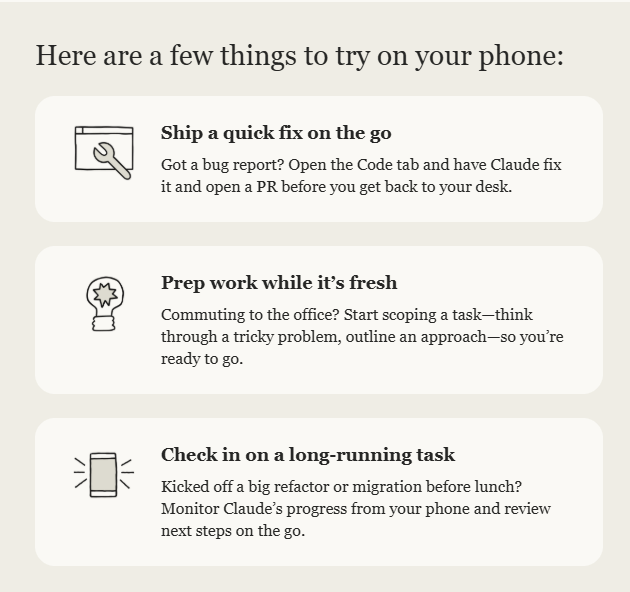
This month I started running Claude Code in the cloud instead. The session works on a copy of my project on Anthropic's machines, so it keeps going when my laptop is closed and my phone is in my pocket. Around the same time, Anthropic emailed users a guide encouraging exactly this. The email sells it as convenience: fix a bug before you get back to your desk, check on a long job over lunch. That's true, but it leaves out what made it work for me.
The rule that makes it safe
I usually write my instructions in a regular Claude chat first, then paste them into the session. Every one ends the same way: make the change, check it, then stop. Show me screenshots and a list of what changed, and wait. Nothing goes live until I say yes.
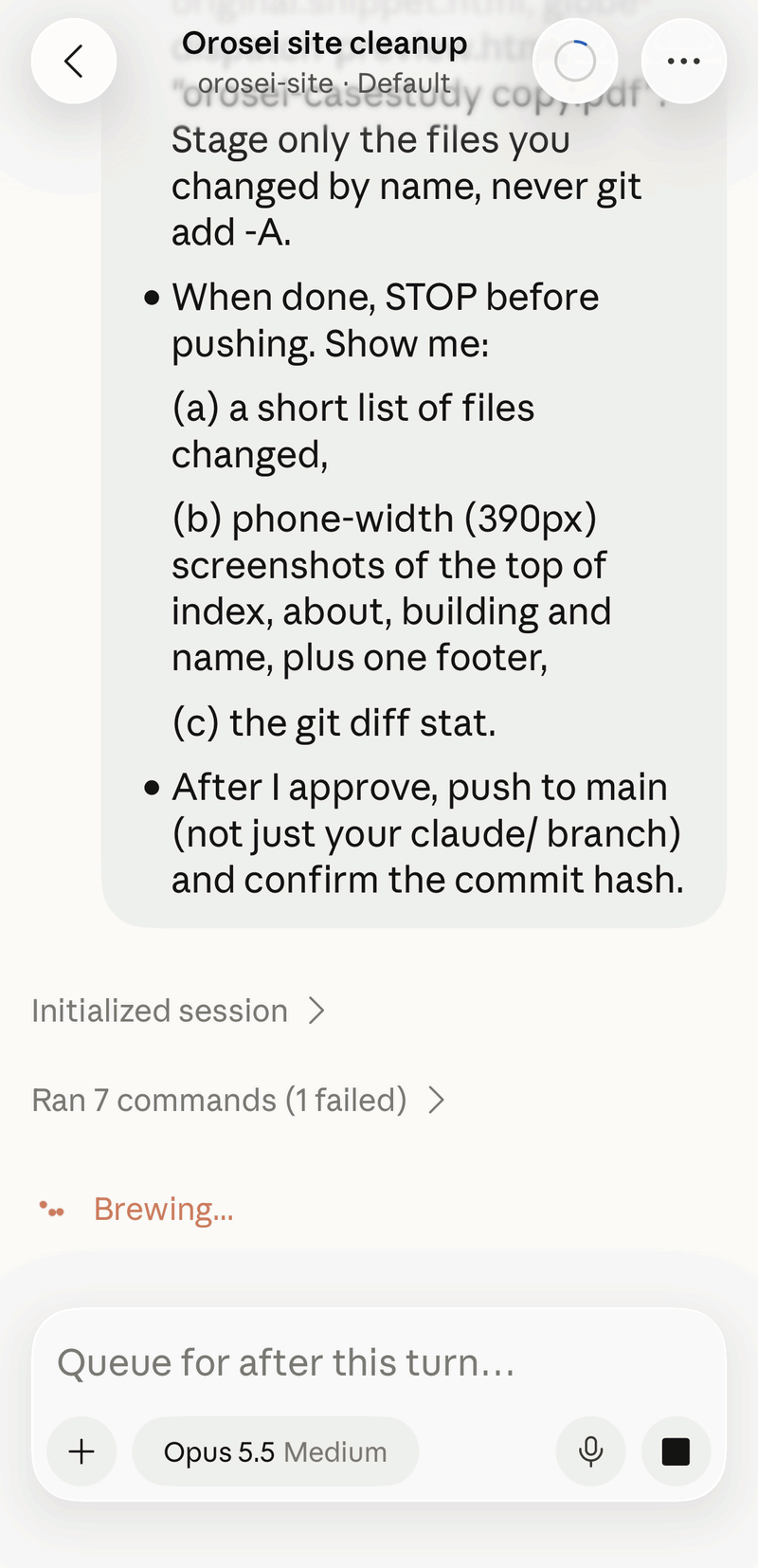
That rule lets me do this while on my bike at a red light. I'm not writing code on a phone screen. I'm reading what the AI did and deciding whether it ships, toggling between chat and Code.
The bug only my phone could see
Working in Code on the cloud can get addicting. It allows you to break free from the laptop ball and chain. One day, I noticed a bug on my website. The city labels on my homepage globe had drifted away from their pins on my iPhone. Orosei's label sat over Africa instead of Sardinia. On the laptop, it looked perfect. (I wrote about the globe in another essay.)
I've always checked my site, and any project I work on, on my phone after a change. That's standard operating procedure. The difference this time was that I didn't need to stop my workout and go get my laptop to fix the bug. I opened a cloud session on my phone and pointed it at the website. Earlier, in a regular chat, Claude had guessed at the cause, and the guess was wrong.
Claude Code tested that theory before changing anything, found it didn't hold up, and found a likely real cause: Safari on the iPhone draws the globe slightly differently than the code assumed.
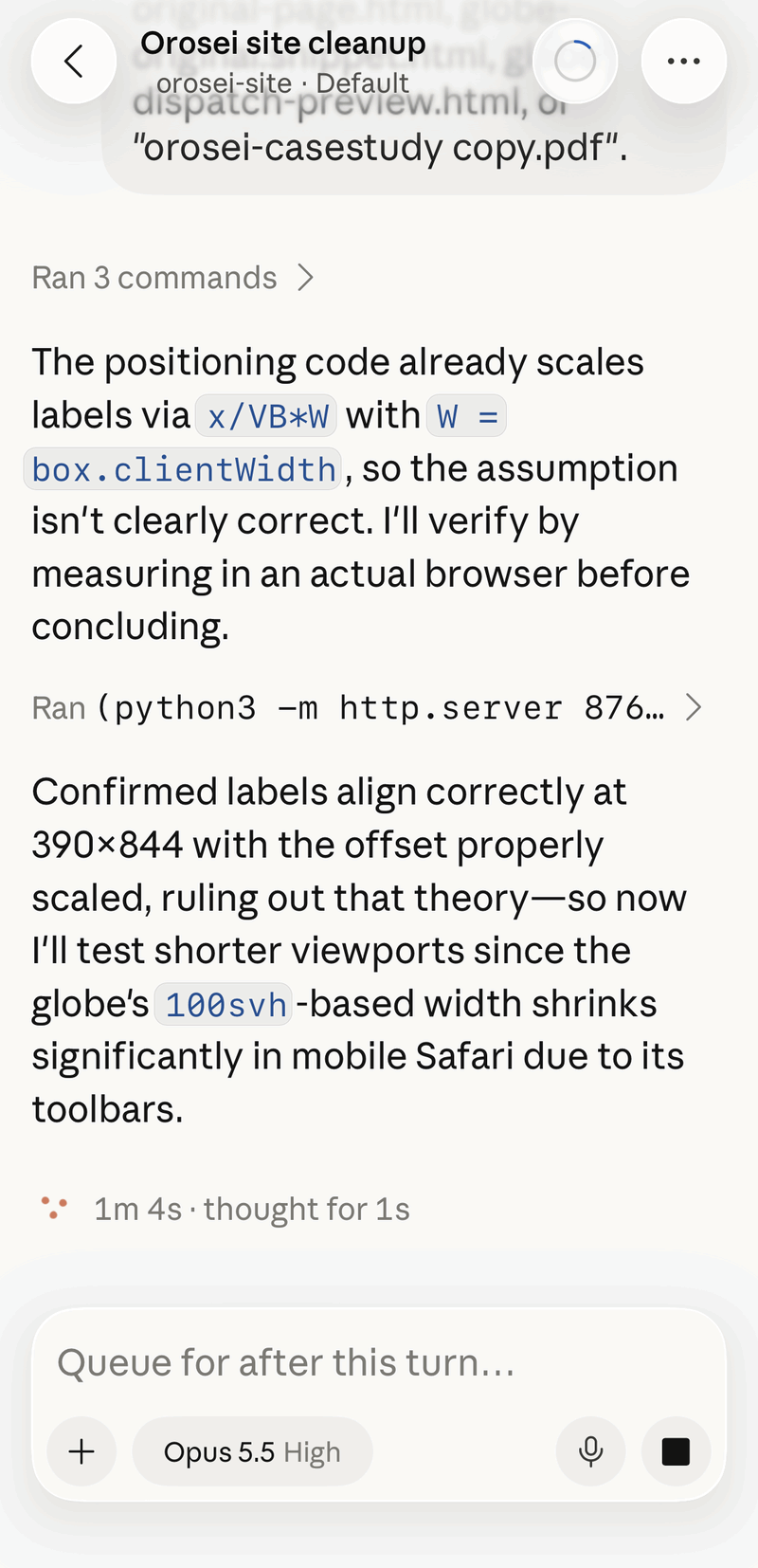
It also told me its limit. Its own browser is Chrome-based, so it couldn't see the bug at all. Even the mobile view it shows me after a change isn't a real iPhone. It fixed what it could reason through and said plainly that the fix hadn't been tested on an actual phone.
So I was the test. My first check still looked broken, because I'd looked before the site finished redeploying. A couple of minutes later, it was fixed.
Two smaller label problems followed, São Paulo and then Addis Ababa, each spotted on the phone and fixed the same way. When I asked it to fix only São Paulo, its tests turned up problems with other cities too. It listed them and left them alone, because that wasn't what I'd asked for.
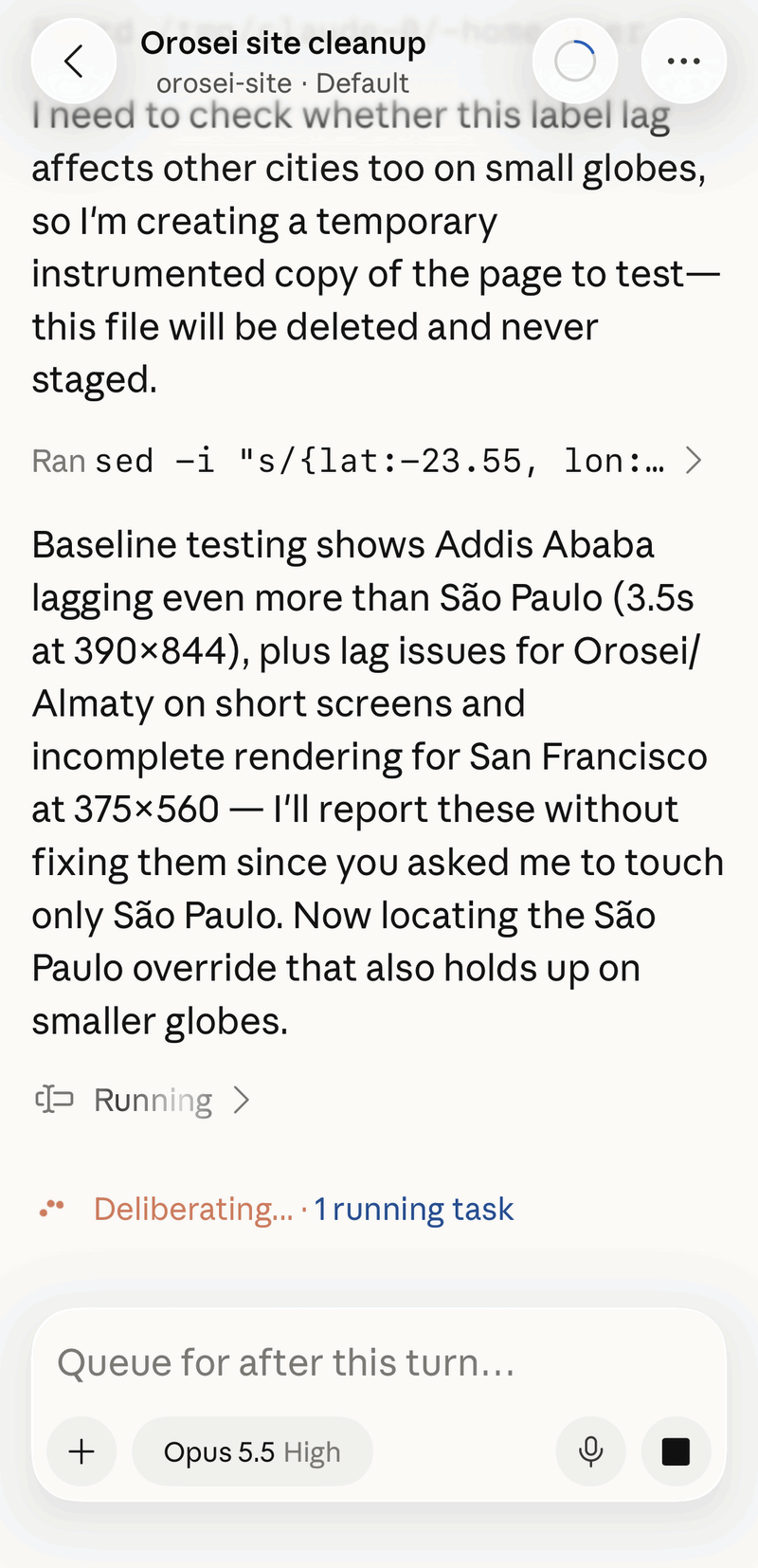
From finding the bug to confirming the fix, I never opened the laptop. I did this all in between sets at the gym.**
If you want to try it
It isn't one tap, but it's not hard:
- Put your project on GitHub. A cloud session works on your project as it lives on GitHub, not on your laptop. If your code isn't there yet, this is the real first step.
- Connect GitHub to Claude. Give it access only to the projects you want it working on. (Here's my GitHub.)
- Start a session. In the Code tab of the Claude app, pick a project and go.
- End every instruction with "stop, show me, wait."
Two things I learned the hard way. Files you attach in the app don't reach the session, so anything new has to go into GitHub first. And every session leaves a branch behind on GitHub, so clear them out every few weeks, or preferably after every session.
The limits
The cloud session can't see what an iPhone sees, so on anything visual, I'm still the last check. Some things it isn't allowed to do: it couldn't delete old branches on GitHub, so I did that myself in a couple of minutes. And it isn't free. Cloud sessions use up credit, which is separate from the cost of just chatting with Claude. Anthropic gave me a one-time credit for them, and each of these small fixes used about a dollar of it. If you try it, check your plan's usage page to see what it costs you.
My phone used to be where I found problems with AI projects I built on my laptop. Now the phone is also where I fix them, as long as nothing goes live until I've looked.
And until the light turns green.
*To be clear, I never look at my phone while riding my bike. Only when stopped at a red light, where it's safe.
**It's bad gym etiquette to camp on a machine with your phone while people wait. I didn't.